Latest from the AA Browser team
Guides, release notes, and updates on browsing the web from your car.
September 7, 2026 · 5 min read
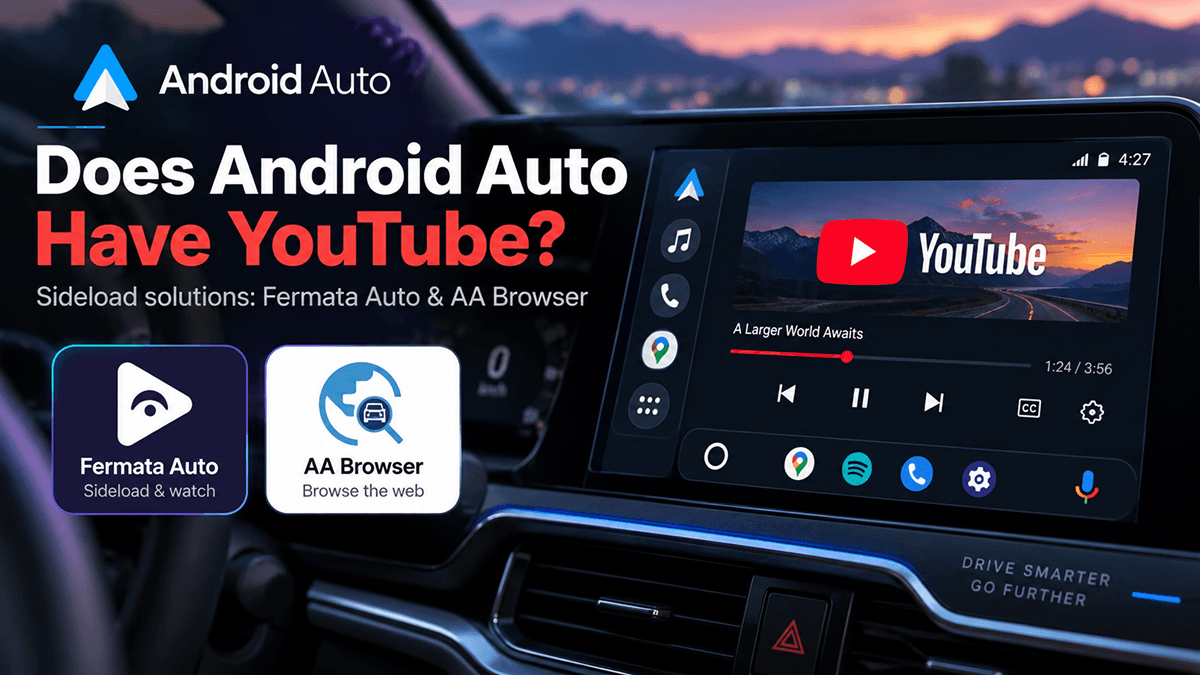
Does Android Auto Have YouTube? (2026 Update)
💡Yes. Google has confirmed that YouTube is rolling out to Android Auto later in 2026. - When parked: You can watch videos in up to 1080p at 60fps. - When driving: Video is blocked. The screen shows a static image to prevent distraction. - YouTube Premium users: Can listen to audio in the background while driving (great for podcasts, lectures, or interviews). - Not ready yet? You can use third-party apps like AA Browser or Fermata Auto to access YouTube before the official rollout. For years,
September 3, 2026 · 9 min read
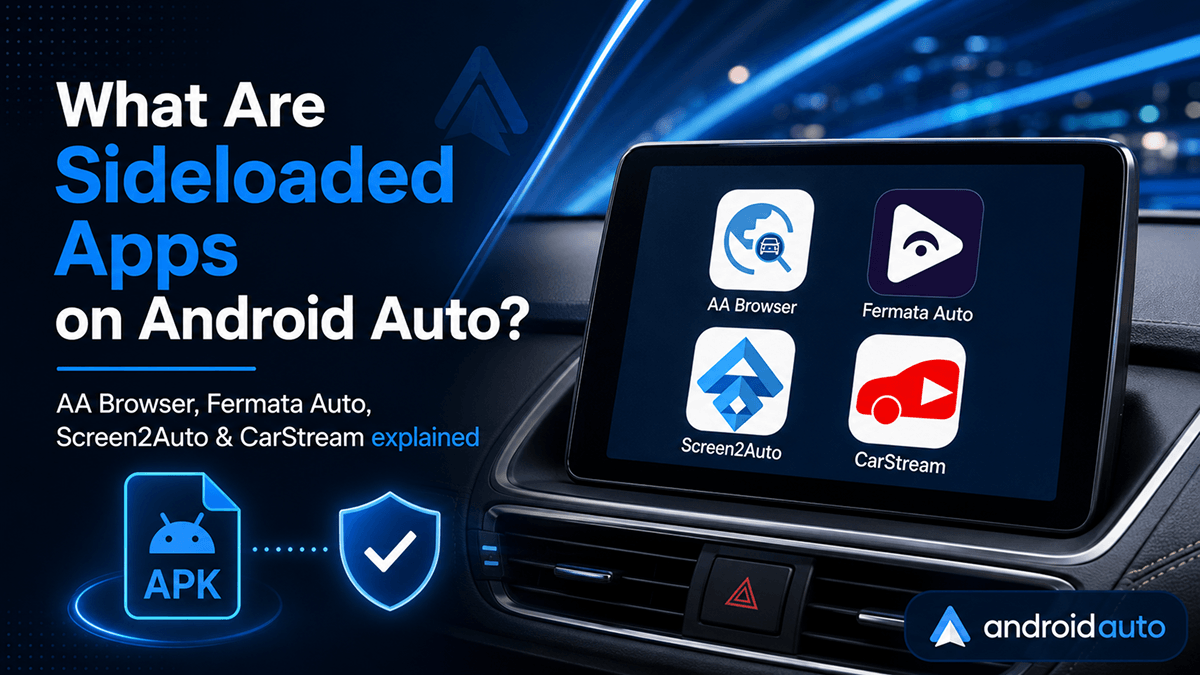
What Are Sideloaded Apps on Android Auto, and Are They Safe?
💡Sideload apps on Android Auto are third-party, unofficial applications installed from sources outside the official Google Play Store. By using specialized downloaders like AAAD (Android Auto Apps Downloader), AAStrore and enabling developer settings, users can run advanced apps such as web browsers, video streaming players, and screen-mirroring tools directly on their car's dashboard. If you have ever connected your phone to your vehicle's infotainment system, you know how convenient Android
September 1, 2026 · 7 min read
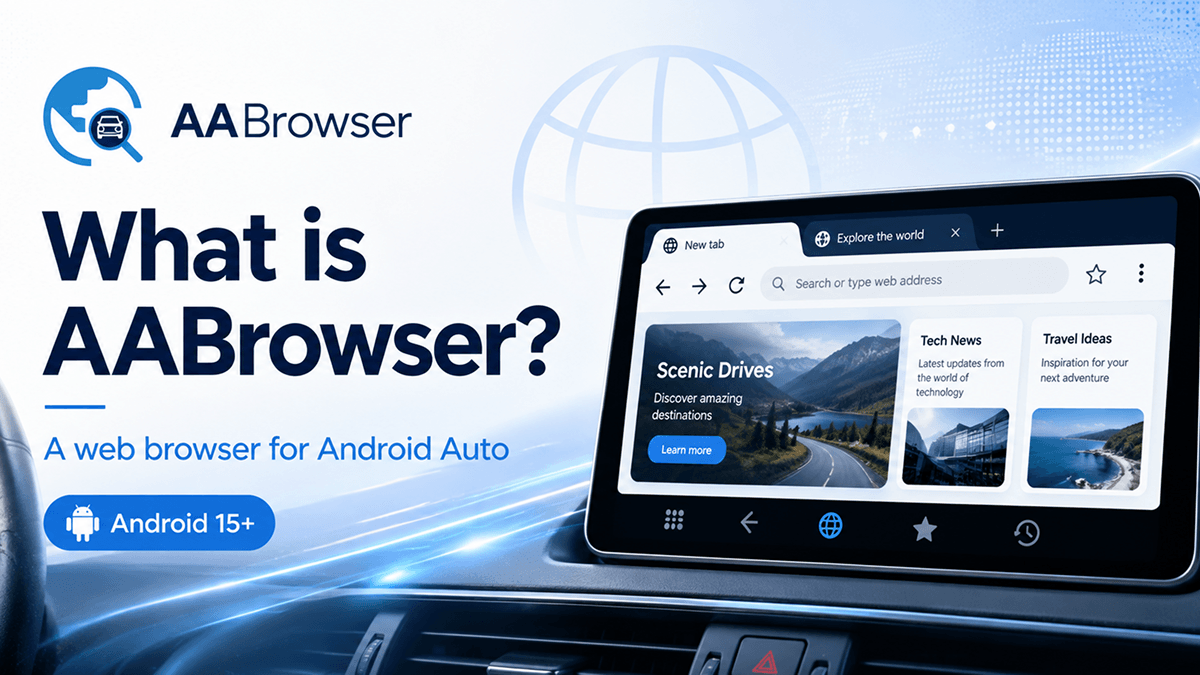
What Is AA Browser? Android Auto Browser Guide
💡AA Browser (AABrowser) is a free, open-source web browser designed for Android Auto. It lets users browse websites, open multiple tabs, use desktop or mobile viewing modes, create website shortcuts, and access supported web media directly from a compatible car display. AA Browser supports Android 15 and above and should only be used by passengers or while the vehicle is safely parked. AA Browser also searched as AABrowser or AA Browser is a free, open-source web browser designed specifically
August 17, 2026 · 8 min read
AABrowser vs CarStream: Which Android Auto App Should You Use?
AABrowser and CarStream are third-party Android Auto applications, but they are designed for different Android versions and slightly different use cases. The most important difference is compatibility: * CarStream supports Android 14 and below. * AABrowser supports Android 15 and above. Therefore, the right app generally depends on the Android version installed on your phone. Android 15 and newer users should choose AABrowser, while Android 14 and older users should choose CarStream. Safet