- When parked: You can watch videos in up to 1080p at 60fps.
- When driving: Video is blocked. The screen shows a static image to prevent distraction.
- YouTube Premium users: Can listen to audio in the background while driving (great for podcasts, lectures, or interviews).
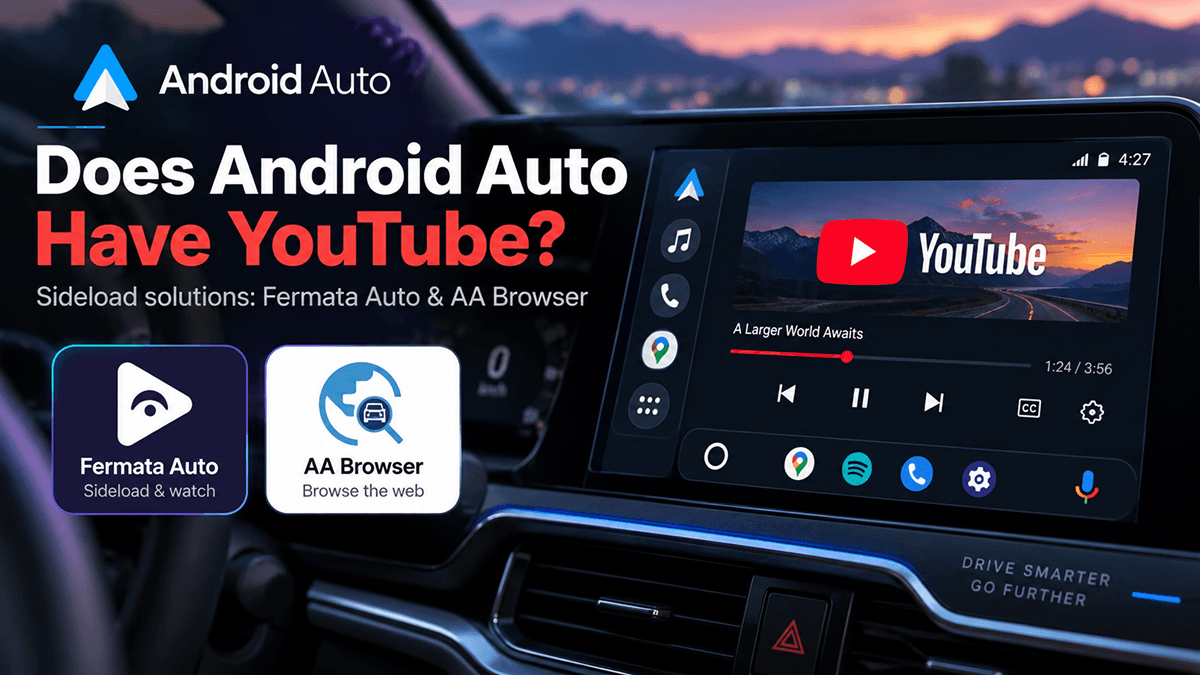
- Not ready yet? You can use third-party apps like AA Browser or Fermata Auto to access YouTube before the official rollout.
For years, anyone who has used Android Auto has asked the same question: Can I finally watch YouTube in my car?
The answer has changed. Yes, official YouTube support is coming to Android Auto in 2026. But there is a catch: it is designed mostly for when your car is parked, not while you are driving.
If your car or phone doesn’t have the official feature yet, don’t worry. There are still ways to get YouTube on your Android Auto screen using third-party apps like AA Browser and Fermata Auto.
Does Android Auto Officially Support YouTube?
Until now, YouTube has been blocked on Android Auto for safety reasons. Google didn’t want drivers watching videos behind the wheel.
The new official YouTube app changes that by adding safety restrictions directly into the experience. It’s not just the normal YouTube app mirrored onto your car screen. It’s built specifically for Android Auto.
How It Works
| Vehicle Status | What You Can Do |
|---|---|
| Parked | Watch videos normally |
| Driving | Video is restricted; only a static image is shown |
| YouTube Premium + Driving | Audio-only playback (no video) |
How to Get YouTube on Android Auto Right Now
If the official app hasn’t reached your car yet, you can still access YouTube using third-party tools.
Two popular options are:
- AA Browser
- Fermata Auto
Both require some setup, but they work well for watching YouTube while parked.
You can use AAStore to install popular third-party apps like AA Browser and Fermata Auto without manually downloading APK files or dealing with complicated setups.
AAStore is an unofficial app marketplace designed specifically for Android Auto. It lets you browse, download, and manage apps that aren’t available in the standard Android Auto launcher.
With AAStore, you can:
- Install AA Browser for YouTube and web browsing
- Install Fermata Auto for a full media center experience
- Keep your apps updated in one place
- Avoid searching for APKs on random websites
Step-by-Step: Install AA Browser or Fermata Auto via AAStore
Step 1: Download and Install AAStore
- Visit the official AAStore website: aastore.aabrowser.app
- Download the AAStore APK to your Android phone.
- Install the APK.
Step 2: Open AAStore and Choose an App
- Launch AAStore on your phone.
- Browse the app list and select:
- AA Browser (best for simple YouTube access)
- Fermata Auto (best for a full media hub with YouTube, IPTV, and local media)
Step 3: Install the App
- Tap Install inside AAStore.
- Wait for the download and installation to complete.
Step 4: Add the App to Android Auto
- Go to Android Auto Settings > Customize Launcher.
- Find AA Browser or Fermata Auto in the list.
- Toggle it ON so it appears in your car’s launcher.
Step 5: Connect and Use
- Connect your phone to your car (USB or wireless Android Auto).
- Open Android Auto on your car screen.
- Launch AA Browser or Fermata Auto.
- Navigate to YouTube and start watching (while parked).
Why Use AAStore Instead of Manual APKs?
- Safer: AAStore sources apps from official project repositories.
- Easier: No need to hunt for APK links or verify versions.
- Updates: AAStore notifies you when new versions are available.
- All-in-one: Manage multiple Android Auto apps from a single interface.
Official YouTube on Android Auto: Key Features
Here’s what to expect from the official YouTube integration:
1. High-Quality Playback (Up to 1080p, 60fps)
When your car is parked, you can enjoy smooth, high-definition video. This is perfect for:
- YouTube videos
- Podcasts with video
- News clips
- Tutorials
- Music videos
Keep in mind: actual quality depends on your phone, car screen, and internet connection.
2. Automatic Video Lock While Driving
As soon as the car starts moving, the video stops. The screen switches to a static image to prevent distraction. This is a major difference from simply opening YouTube in a browser. The official app enforces safety rules at the system level.
3. YouTube Premium Audio Mode
If you have YouTube Premium, you can keep listening to audio even while driving. This is ideal for:
- Podcasts
- Audiobooks on YouTube
- News discussions
- Music
You can start a video while parked, then drive off and keep listening without interruption.
4. Car-Friendly Interface
The app is redesigned for infotainment screens. Expect:
- Large touch targets
- Simple navigation
- Horizontal content carousels
- Video thumbnails and recommendations
Which Cars Will Get YouTube on Android Auto?
Google is rolling this out gradually. Not every car will get it at once.
Confirmed manufacturers include:
- BMW
- Ford
- Genesis
- Hyundai
- Kia
- Mercedes-Benz
- Renault
- Škoda
- Volvo
- Mahindra
Note: Even if your car brand is on this list, it may depend on your exact model, infotainment system, region, and software version.
AA Browser vs. Fermata Auto: Which Should You Choose?
| Feature | AA Browser | Fermata Auto |
|---|---|---|
| YouTube access | ✅ | ✅ |
| Web browsing | ✅ | ✅ |
| Open source | ✅ | ✅ |
| Local media playback | Limited | ✅ |
| IPTV support | ❌ | ✅ |
| Best for simple YouTube | ✅ | Good |
| Best for full media center | Good | ✅ |
Why Sideloaded Apps Sometimes Stop Working
Android Auto sideloaded apps like AA Browser and Fermata Auto aren’t officially supported by Google. That means:
- Android Auto updates can break them.
- Google Play Services changes can cause issues.
- They may disappear from your launcher after an update.
You might need to reinstall or reconfigure them from time to time.
Official YouTube vs. Sideloaded Apps
| Feature | Official YouTube | AA Browser / Fermata |
|---|---|---|
| Supported by Google | ✅ | ❌ |
| Requires sideloading | ❌ | ✅ |
| Built for Android Auto | ✅ | ✅ |
| Video while parked | ✅ | ✅ |
| Video while driving | Restricted | Should be restricted |
| YouTube Premium audio | ✅ | Depends |
| Long-term reliability | High | Can break with updates |
| Available now | Not everywhere | Yes (with setup) |
For most users, the official app will be the better choice once it’s available.
Can You Watch YouTube While Driving?
No. You shouldn’t.
The official app blocks video when the car is moving. Third-party apps should also be used responsibly.
Watching video while driving is dangerous and illegal in many places.
What About Passengers?
Passengers can watch while you drive, but you should not interact with the screen. The safest option is to only use video features when parked.
Good times to watch:
- At EV charging stations
- Waiting in a parking lot
- On road trip breaks
- Waiting for appointments
Is YouTube Premium Required?
No. You don’t need Premium to use YouTube on Android Auto.
However, Premium unlocks:
- Audio-only playback while driving
- Ad-free experience
- Background play
If you mostly listen to podcasts or interviews, Premium is worth it.
What If YouTube Doesn’t Appear After the Update?
If your car should have YouTube but it’s not showing up, try these steps:
- Update Android Auto on your phone.
- Update Google Play Services.
- Check for car software updates.
- Restart Android Auto (disconnect and reconnect your phone).
- Confirm your car model is supported.
- Wait for regional rollout. Features often arrive gradually.
Frequently Asked Questions About YouTube Android Auto
Q: Does Android Auto have YouTube?
A: Yes, officially coming in 2026. Video is for parked use only.
Q: Can I watch YouTube while driving?
A: No. Video is blocked when the car is moving.
Q: Do I need YouTube Premium?
A: No, but Premium allows audio-only playback while driving.
Q: Why doesn’t YouTube show up in Android Auto?
A: The standard app isn’t supported. Only approved apps appear.
Q: How do I add YouTube now?
A: Use AA Browser or Fermata Auto through AAStore.
Q: Does Android Auto support YouTube Music?
A: Yes. YouTube Music is a separate, audio-focused app designed for Android Auto.
Q: Does it work wirelessly?
A: Yes, if your car and phone support wireless Android Auto.
Q: Does Apple CarPlay have YouTube?
A: No. CarPlay also restricts video apps for safety.
Q: Does aa browser work with iOS?
A: No, AA Browser does not work with iOS. because it is an Android Auto-specific app designed for Android devices.